Starting with iOS 17, the system introduced a new framework called Observation. It does make life a bit easier in the context of SwiftUI, but integration with UIKit (or simply the task of wiring together different Observable objects) can cause some problems, since the only tool available is withObservationTracker.
If you are going to build an app for iOS 26 or later, take a look at Observations; you do not need to read the rest of the article. As an alternative, you can take a look at Perception, it may be a good option.
With it, almost everything is fine except for one issue: it assumes a recursive call to itself, and there is no way to cancel it in the form in which it is proposed to be used.
I tested the following code on the iOS 17 simulator and on current operating systems, including macOS, and it works like a charm (yes, it’s as simple as it looks). If you have any comments, you are always welcome to share them.
@MainActor
final class ObservationTracker {

    private let apply: () -> Void

    init(_ apply: @escaping () -> Void) {
        self.apply = apply
        observe()
    }

    private func observe() {
        withObservationTracking({ [weak self] in
            self?.apply()
        }, onChange: { [weak self] in
            Task { @MainActor in
                self?.observe()
            }
        })
    }

}
If you remove the reference to the object, observation will stop immediately (you can verify this in the debugger). Most importantly, do not keep strong references inside the callback. This can result in a memory leak, but that generally applies to withObservationTracker as well.
var observer: ObservationTracker?

...

observer = ObservationTracker { [weak self] in
    self?.time = self?.timeModel.time
}
If you need a more classic syntax with cancel, you can add some kind of flag to the onChange method that will stop the recursive call. In general, it was enough for me to simply set the object to nil.
The problem with this code is that it completely ignores how networking and HTTP actually work, makes the surrounding code messy, and in general solves no real problems, except for some imaginary concern for the user with a reminder to “turn on the internet.” But let’s go step by step why this is absolutely pointless and harmful.
First, HTTP has caching, and the response to this request may already be cached. This “helpful” check simply blocks the user from interacting with the app when the data is actually available, and you artificially refuse to show it.
Second, even in this contrived example there is already a problem. You are most likely handling errors incorrectly and making error handling more complex: you end up with pseudo-errors mixed together with real errors. At the very least, throw an exception and store it as your error state to display in the UI.
Third, the HTTP client itself will return a network error if it fails to connect to the server, including an error indicating that there is no internet connection. These are the errors that should be handled and displayed in the interface, if necessary.
Fourth, in practice, a “no network connection” state almost never occurs. Meanwhile, ordinary network errors (such as 404 or response timeouts), which for some reason are often not handled properly, happen all the time.
This code is convenient only for QA engineers, because they turn on airplane mode instead of simulating real network errors, and for developers, because they simply do not implement proper error handling.
Such classes can be used, but in other scenarios, for example, when an error has already occurred and you want to reset an automatic retry timeout so that you can immediately retry once the network is restored (a much rarer case). Another possible use is low-level network work (TCP/UDP sockets), but this kind of interaction is programmed very rarely and is a completely different story.
To summarize: in normal HTTP-based applications, just do not use this, and handle errors properly. And for those who use it this way, you can send them this article so they read it and stop doing this.
I once read some opinion by some person on the internet saying that content has to be produced nonstop and that all trends become outdated within a day. That opinion received a huge amount of positive feedback, as if it were some big, important insight.
If I had the conscience to write such nonsense with such seriousness, I would just as seriously insult him personally for such stupidity or simply block him, but no.
Useful information doesn’t become outdated in a few hours; informational trash does. TikTok content that people forget about in a few minutes is actually negatively useful information.
Yet the first point is considered valid even by serious people, as if content must be produced nonstop. But ideas for content are not infinite.
So I decided to share a secret method for what to do when you’ve run out of ideas.
You don’t need to write anything and you don’t need to do anything if you don’t know what to do.
The need to consistently put something out every day/week/month is not for you or your audience. It’s for platforms that steal people’s attention using your content.
Build healthy relationships with those who read and watch you, instead of working for fucking platforms. And if you need to take a break, then take it: do something useful, go for a walk, watch a movie, and the idea will come on its own.
If you suddenly feel like experiencing nostalgia or talking about how things used to be better, this post is a perfect opportunity.
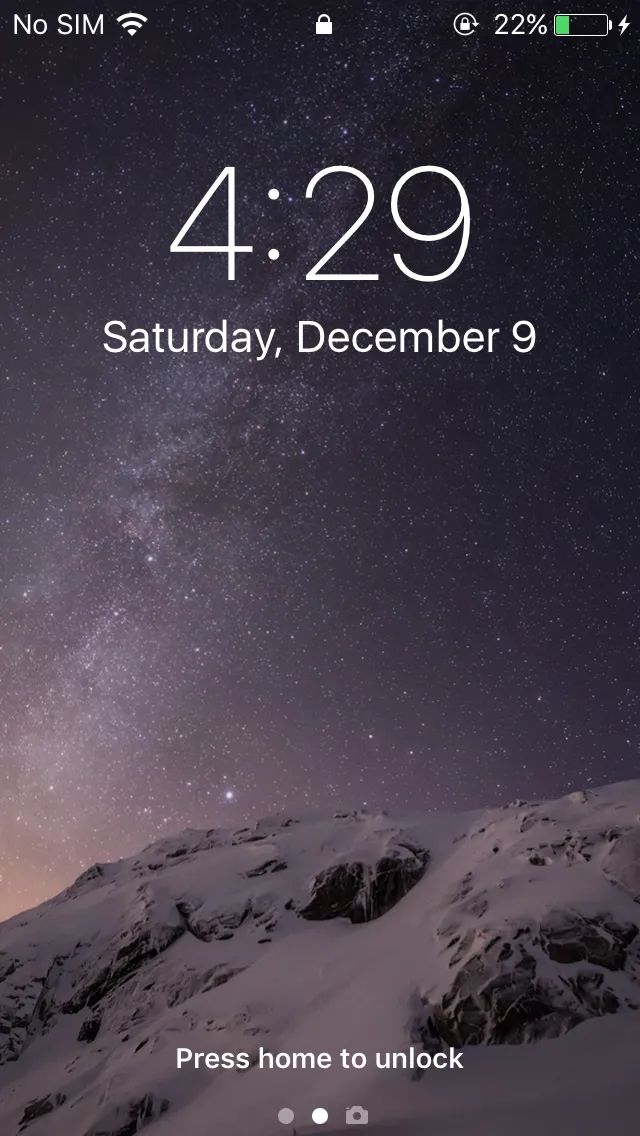
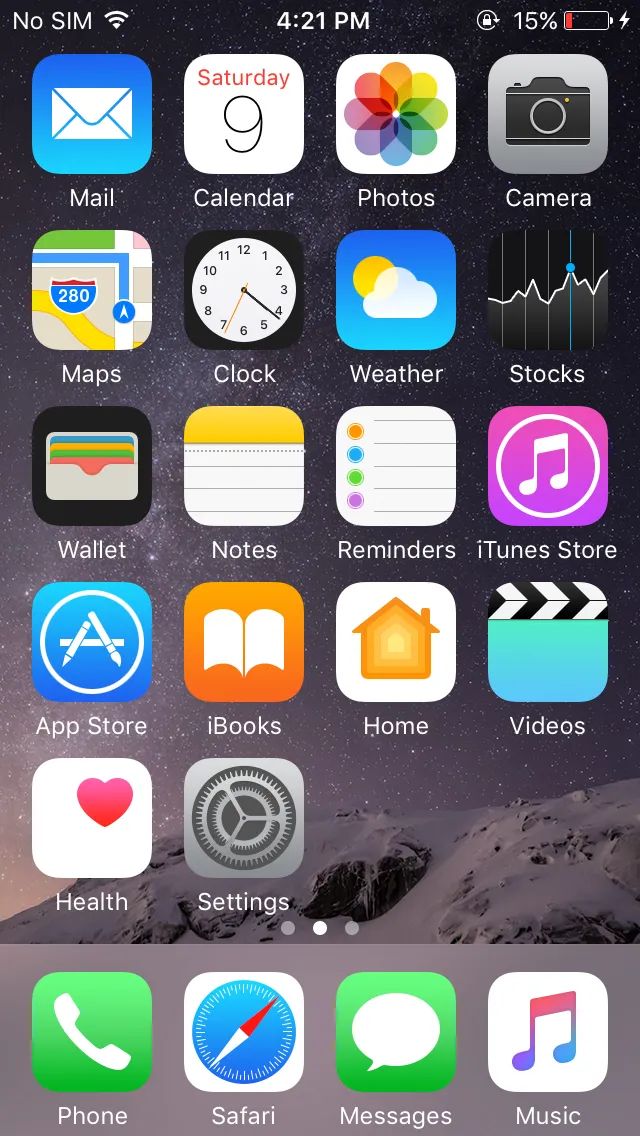
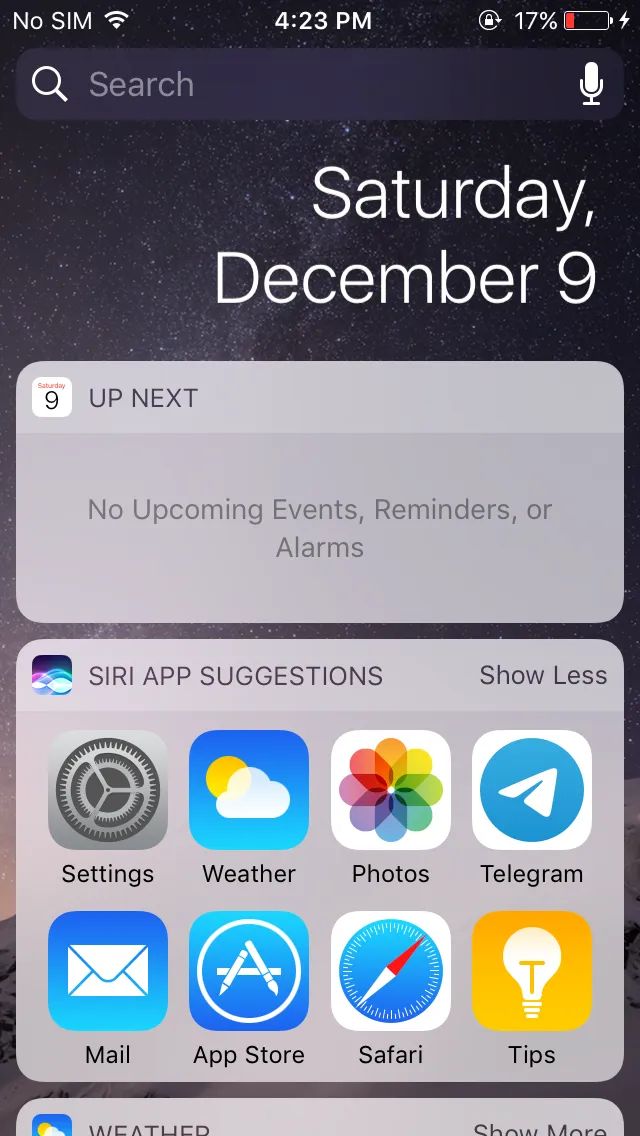
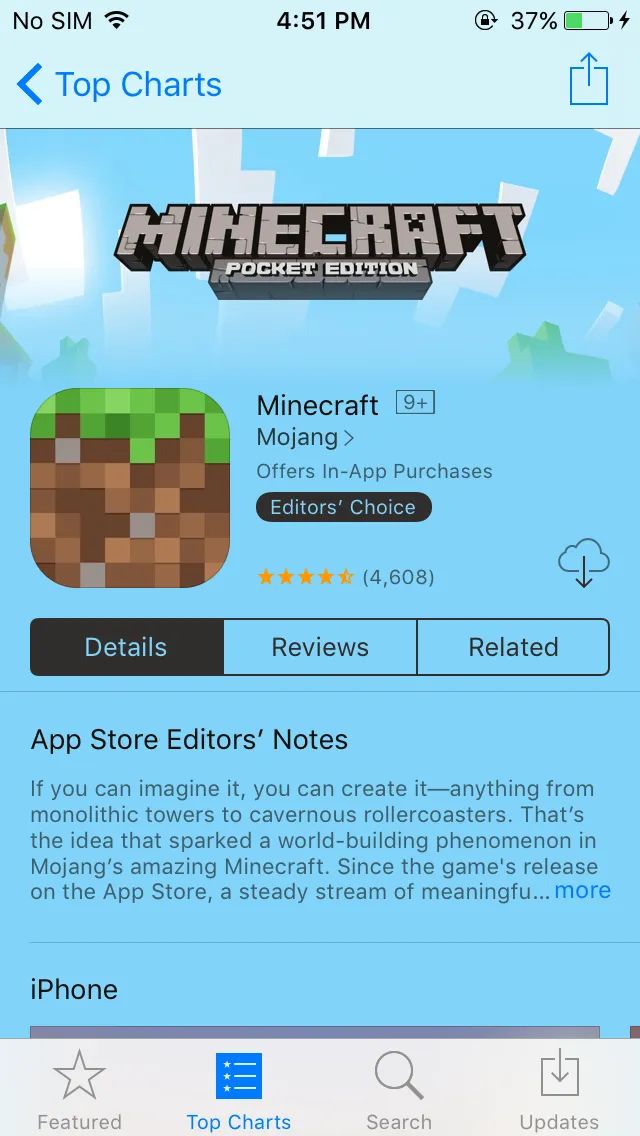
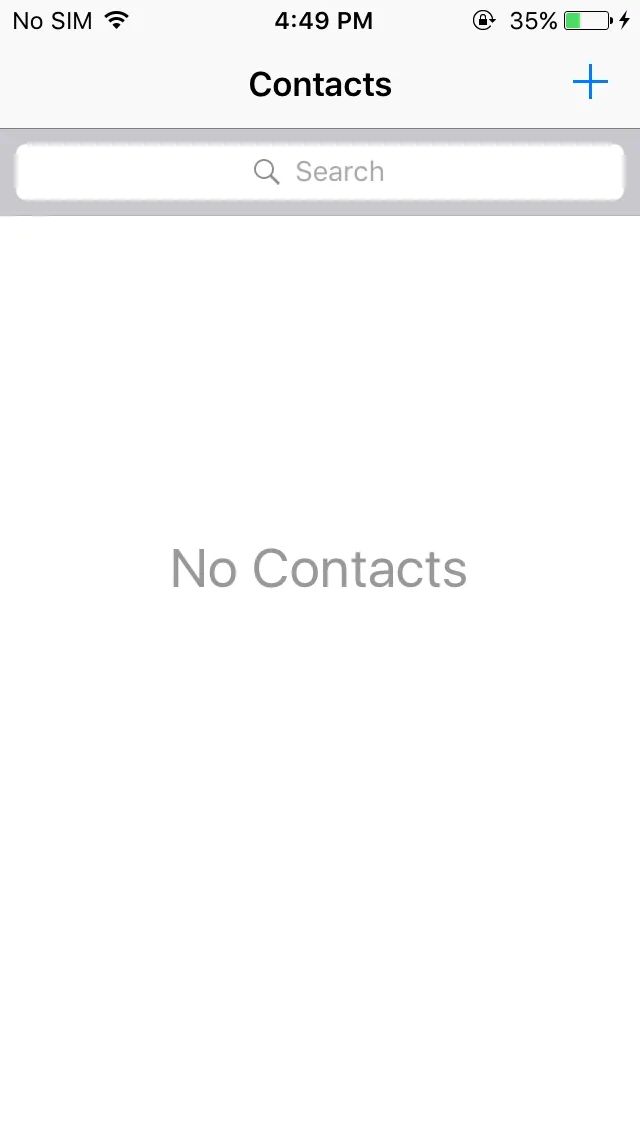
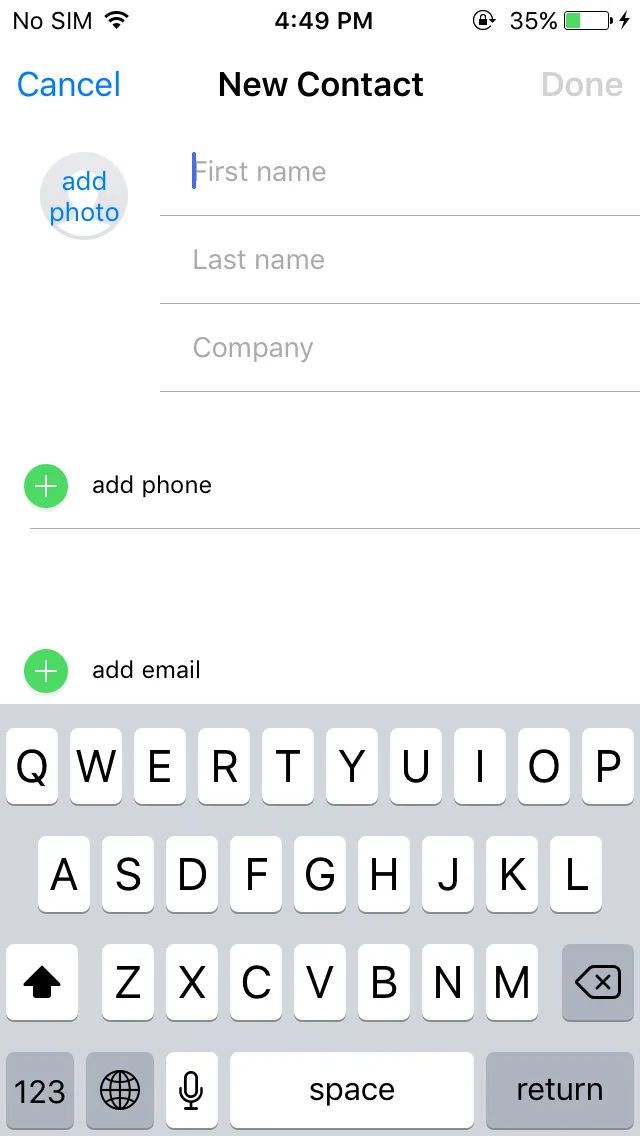
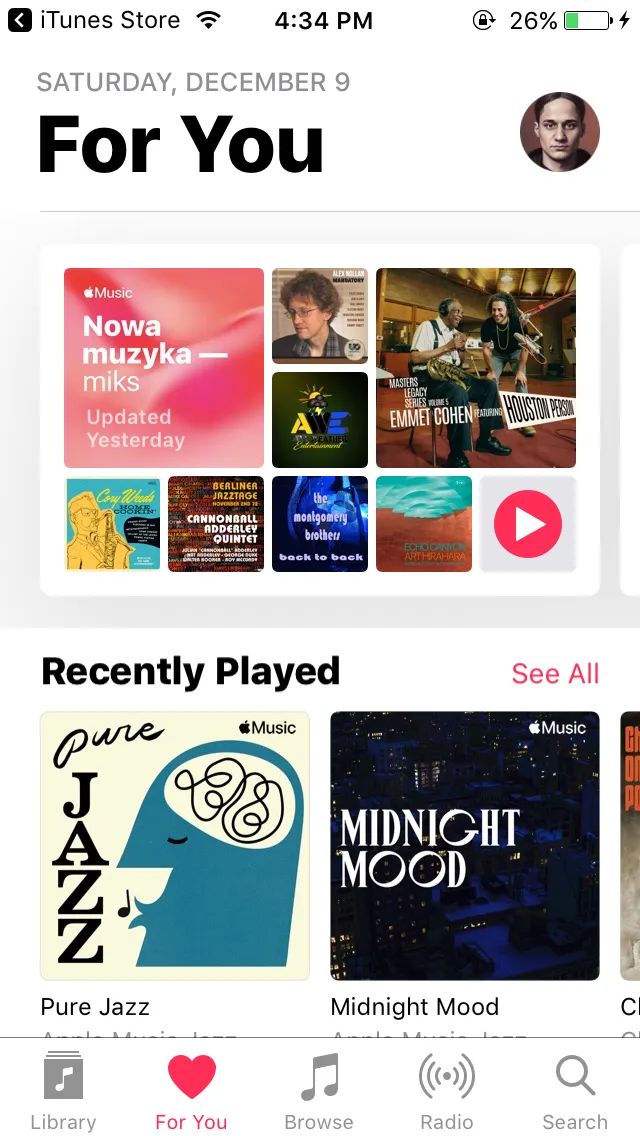
iOS 10 was released in 2016 and was the last operating system to support 32-bit processors. If the generational design break happened between iOS 6 and 7, then this was the most important technical transition.
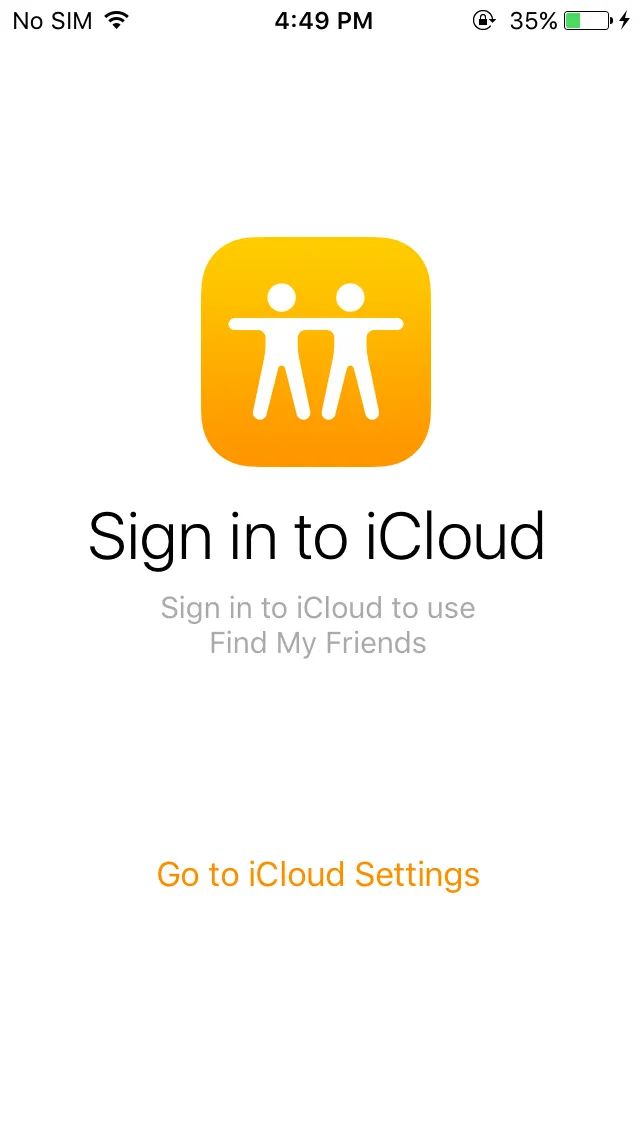
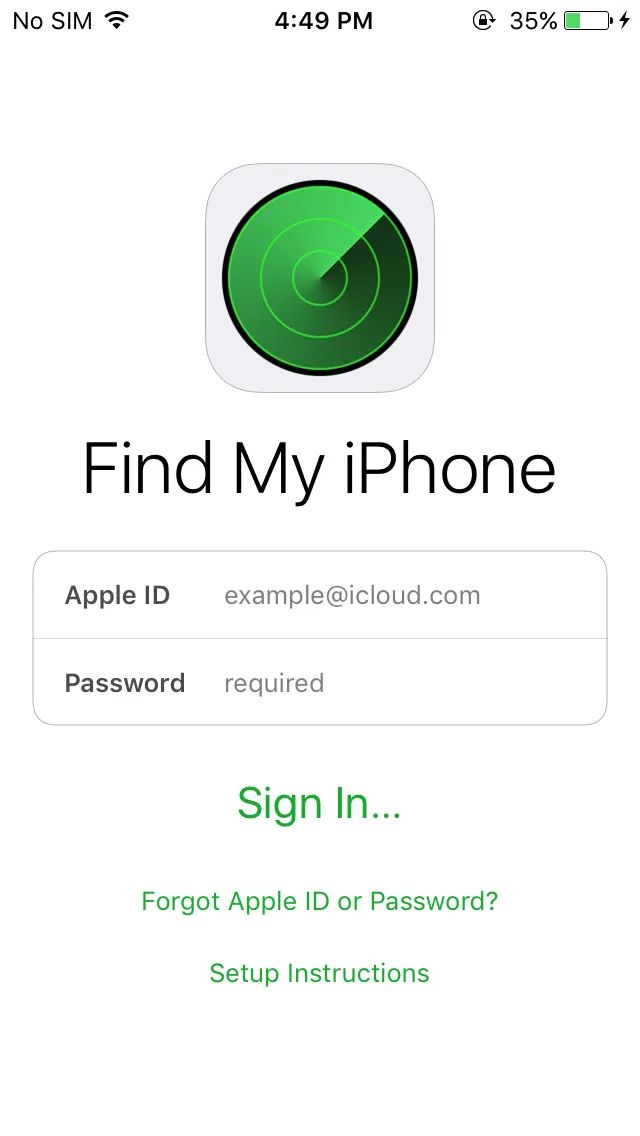
Unfortunately, this operating system is now practically unusable, and there are no functioning third-party applications because of the 32-bit ARM architecture. Some Apple services also behave quite strangely. The browser is outdated as well, and many websites open incorrectly.
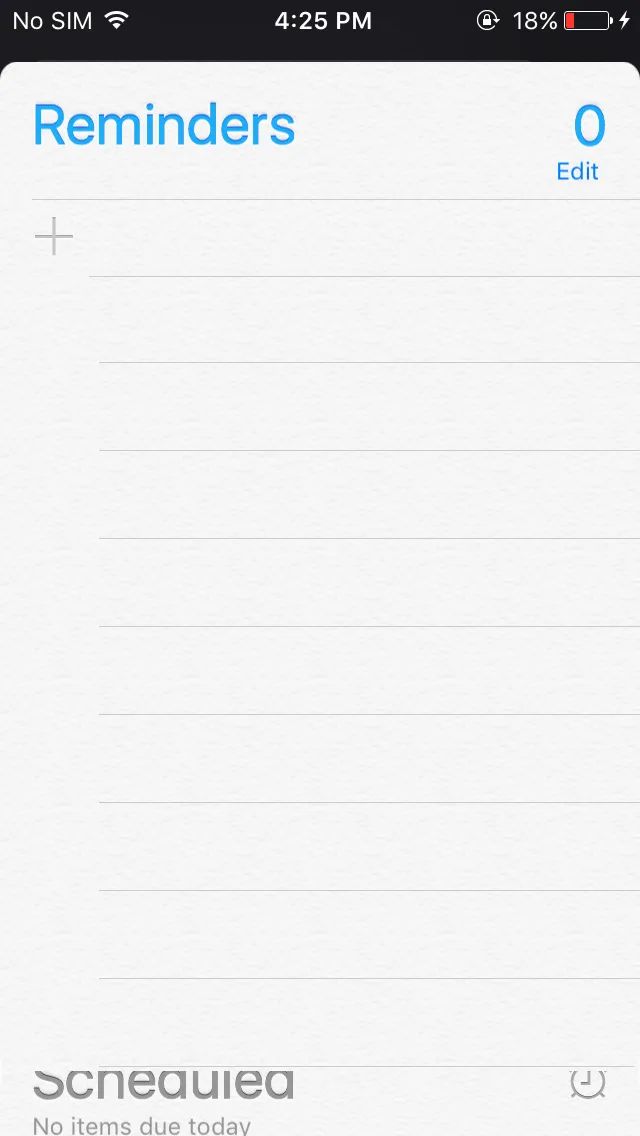
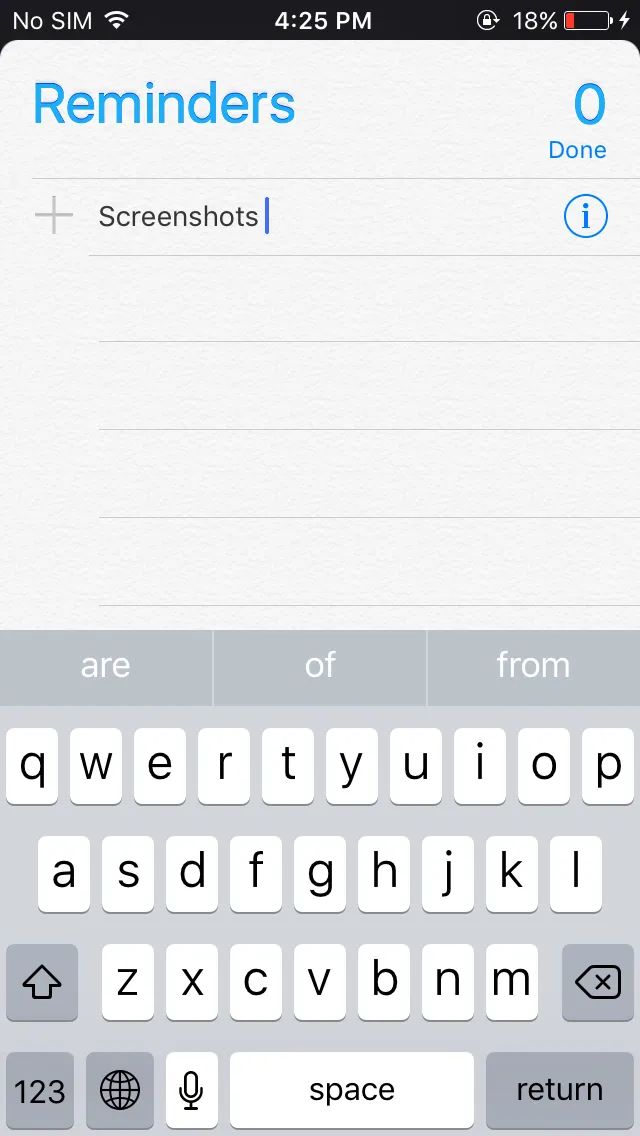
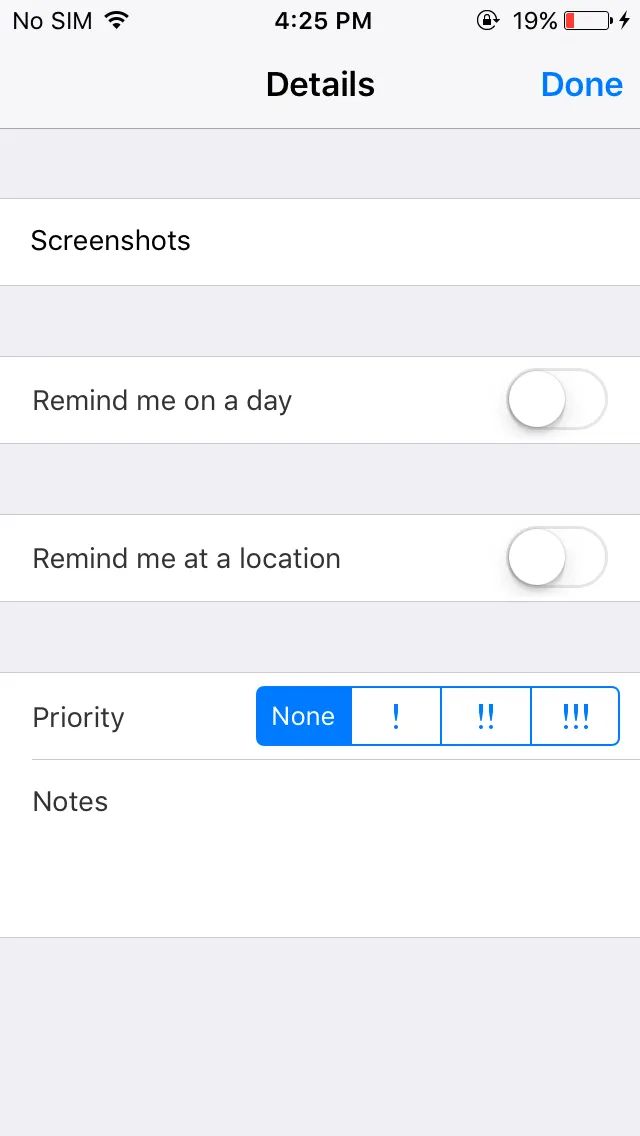
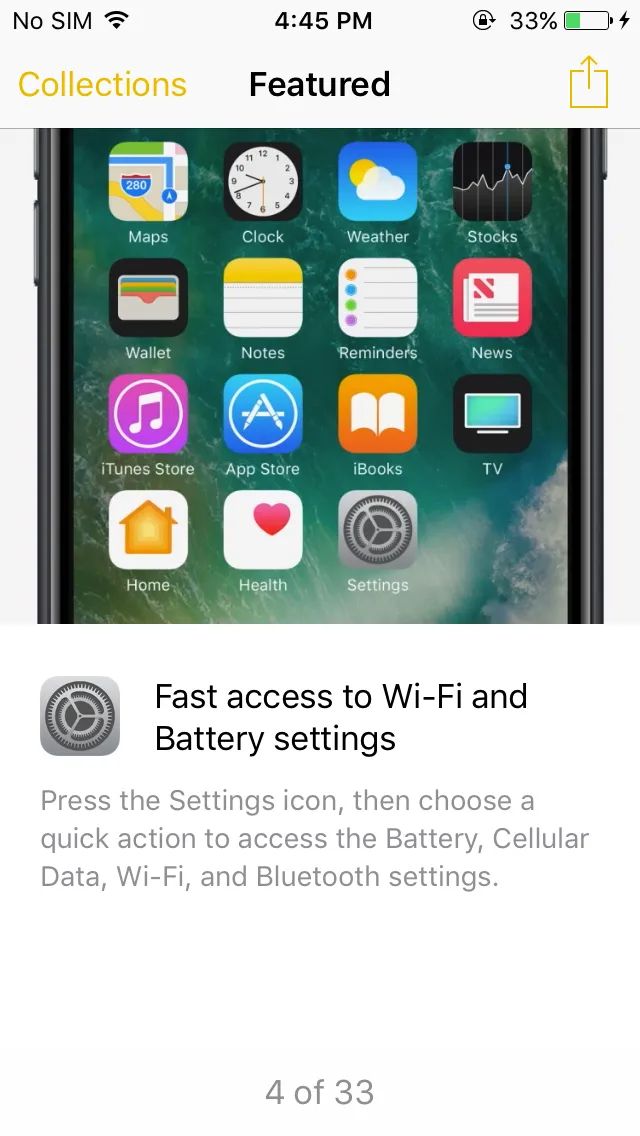
The Reminders app still feels somewhat skeuomorphic because of the background texture. Pay attention to Priority, it gives the impression of having been done in a rush. In the latest operating systems this is just a standard text selector (high, medium, low).
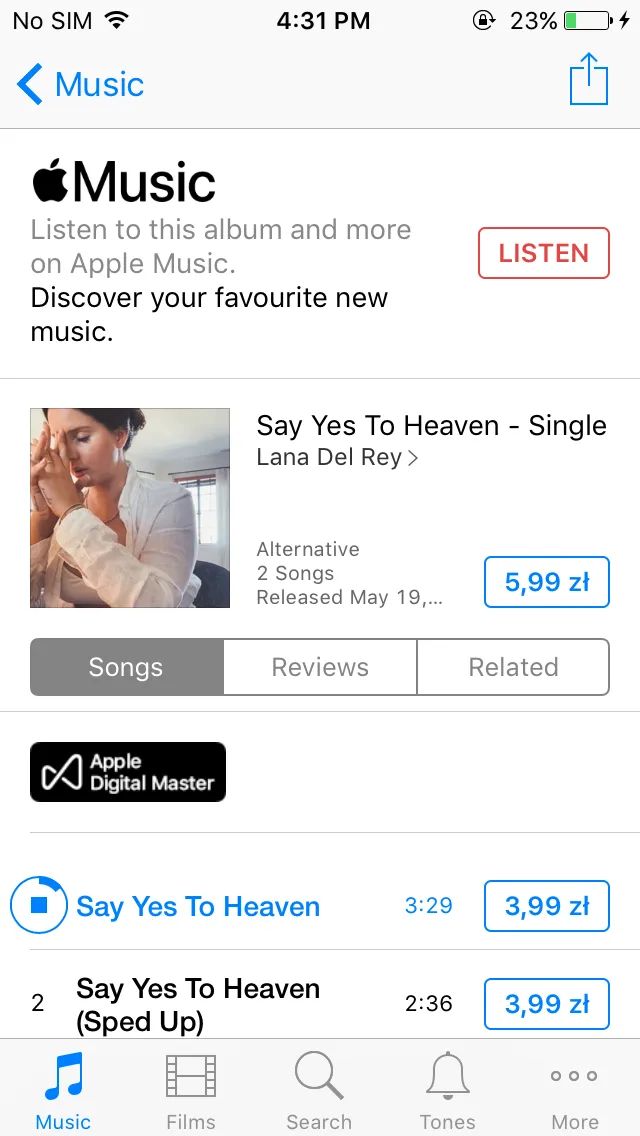
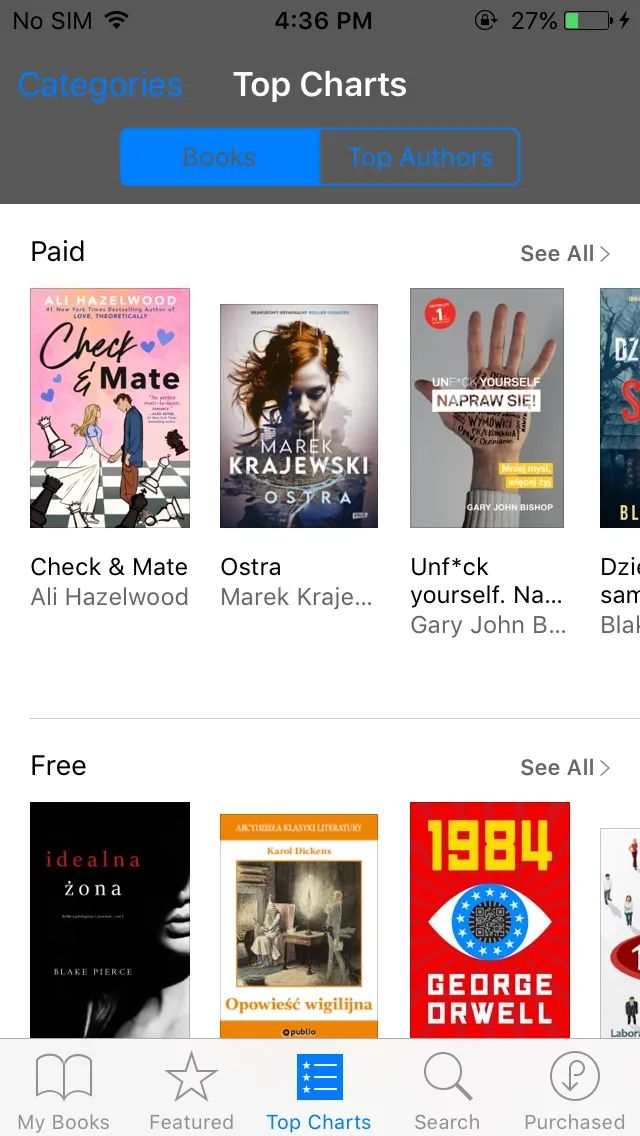
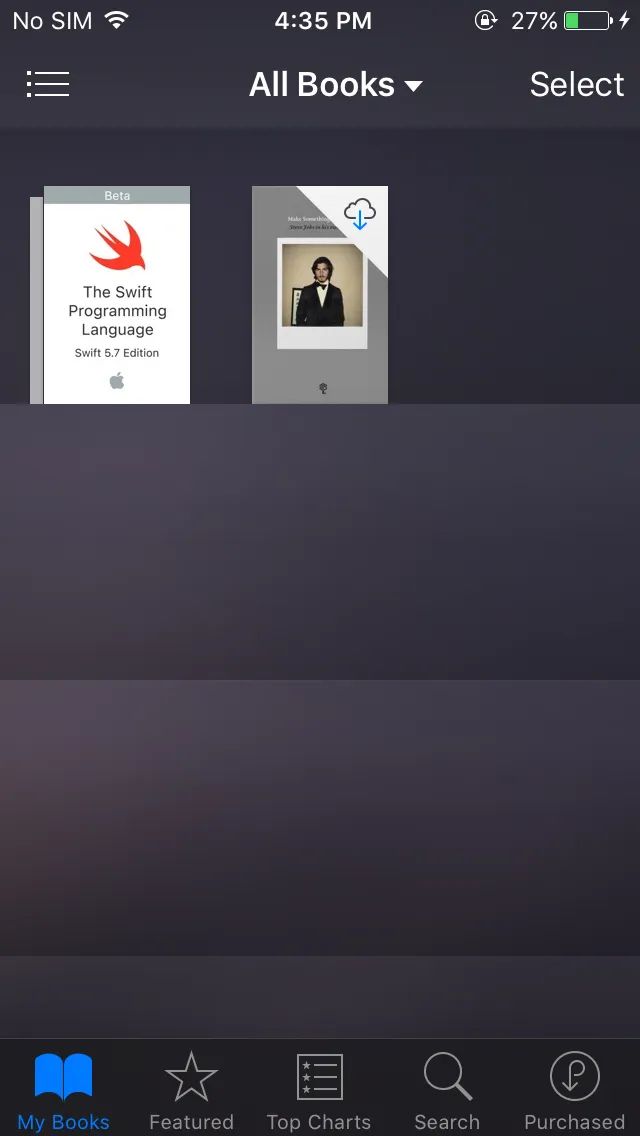
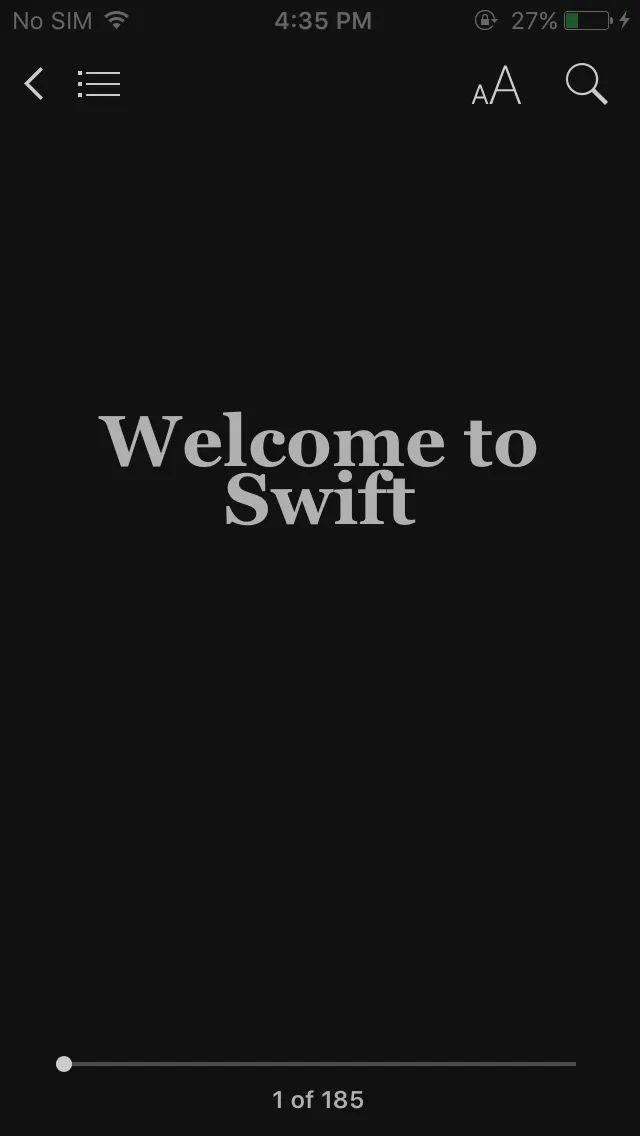
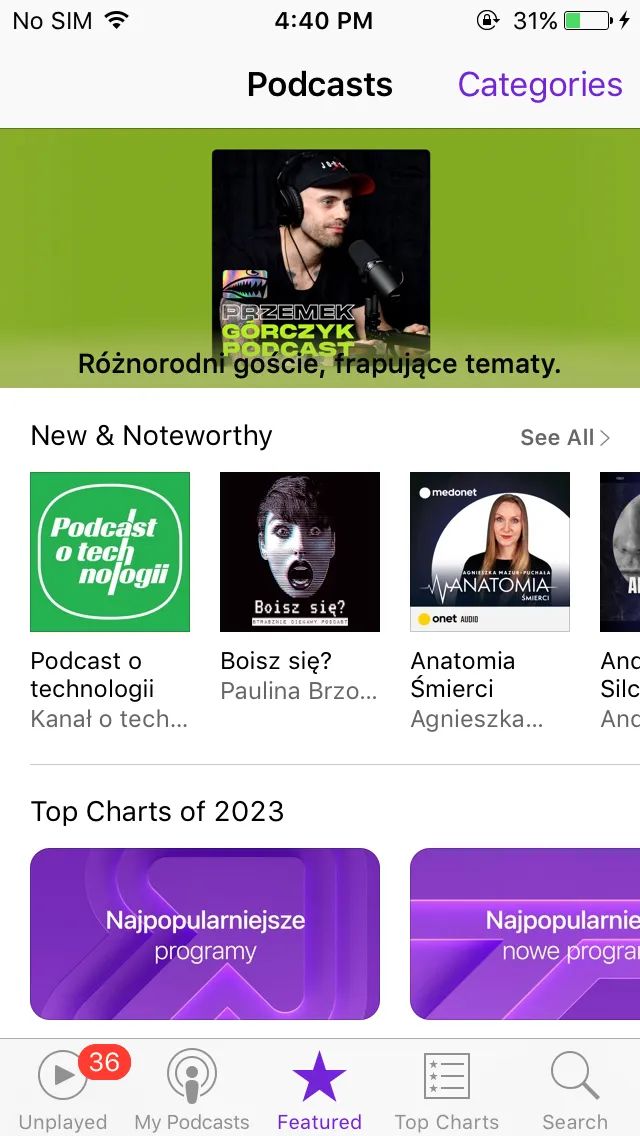
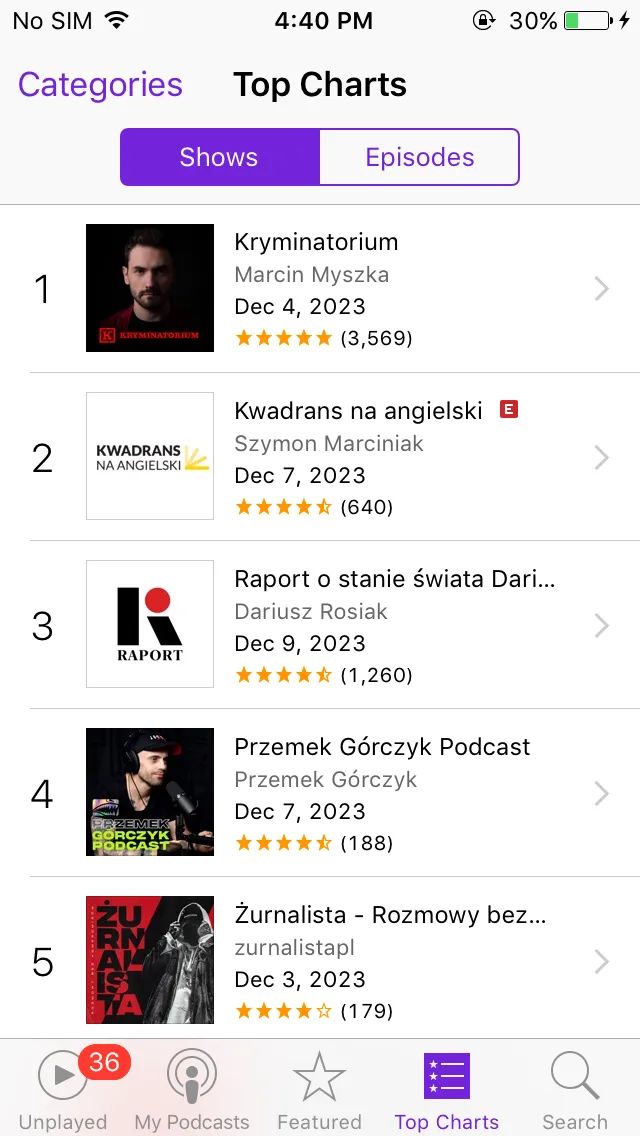
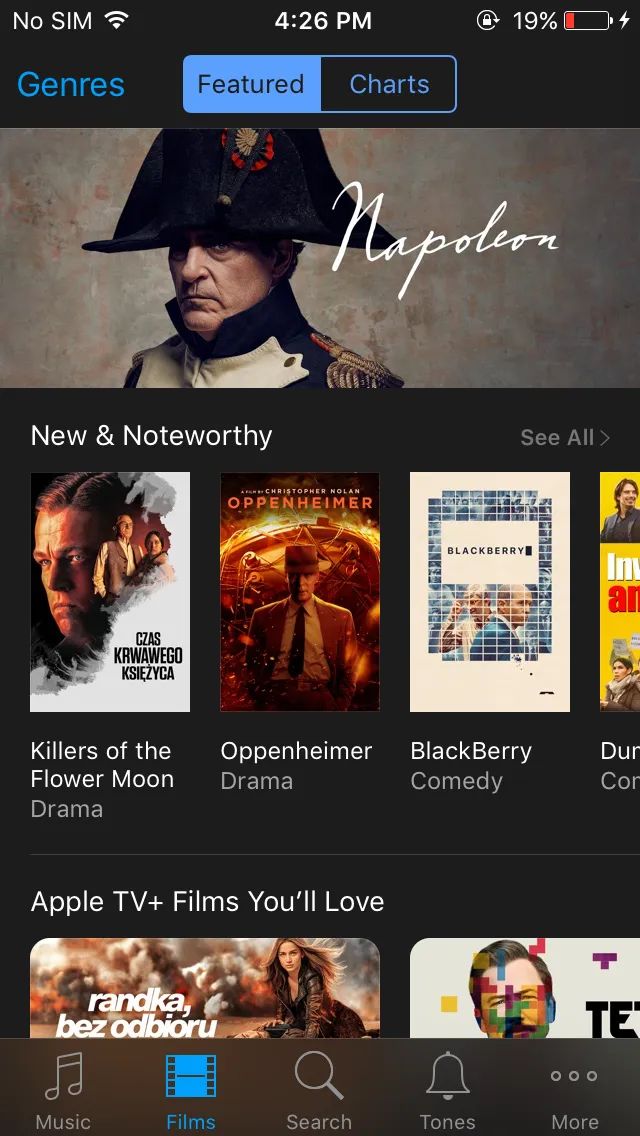
You can play an old version of Minecraft, read books, check the weather, and even listen to podcasts. I haven’t tried buying movies, but on such a small display it would be an interesting experience.
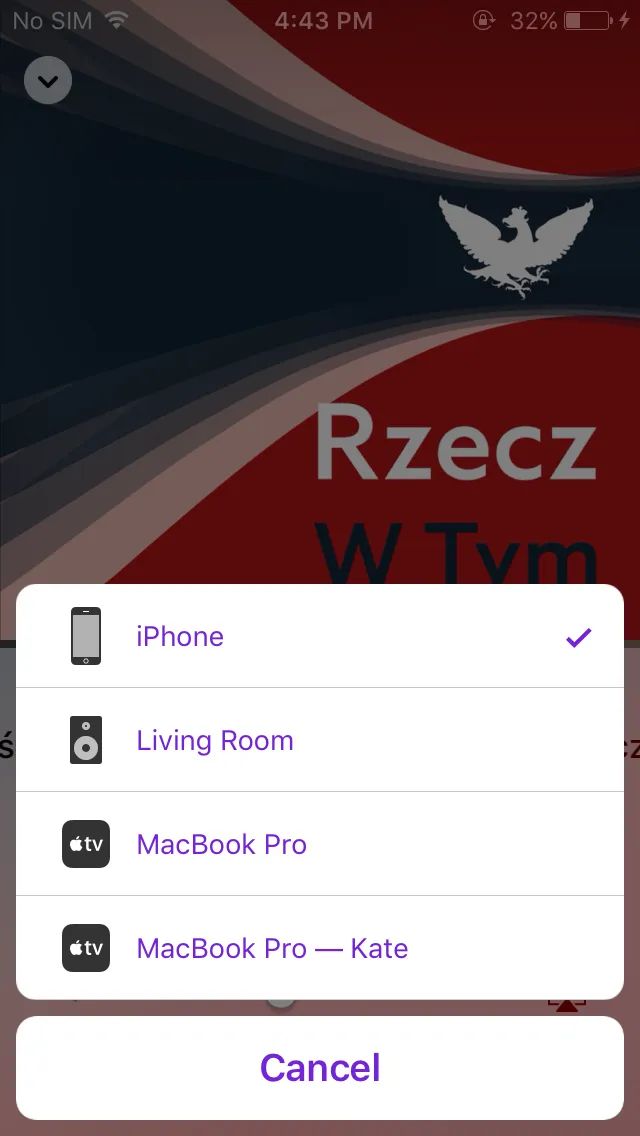
A funny moment: how AirPlay shows MacBooks and the HomePod.
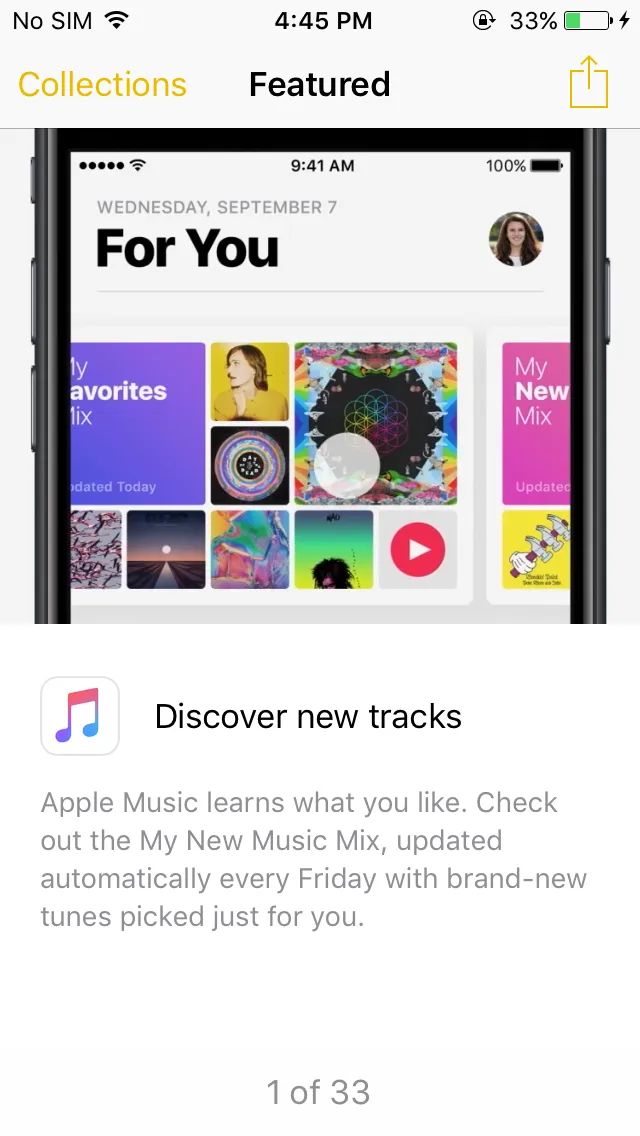
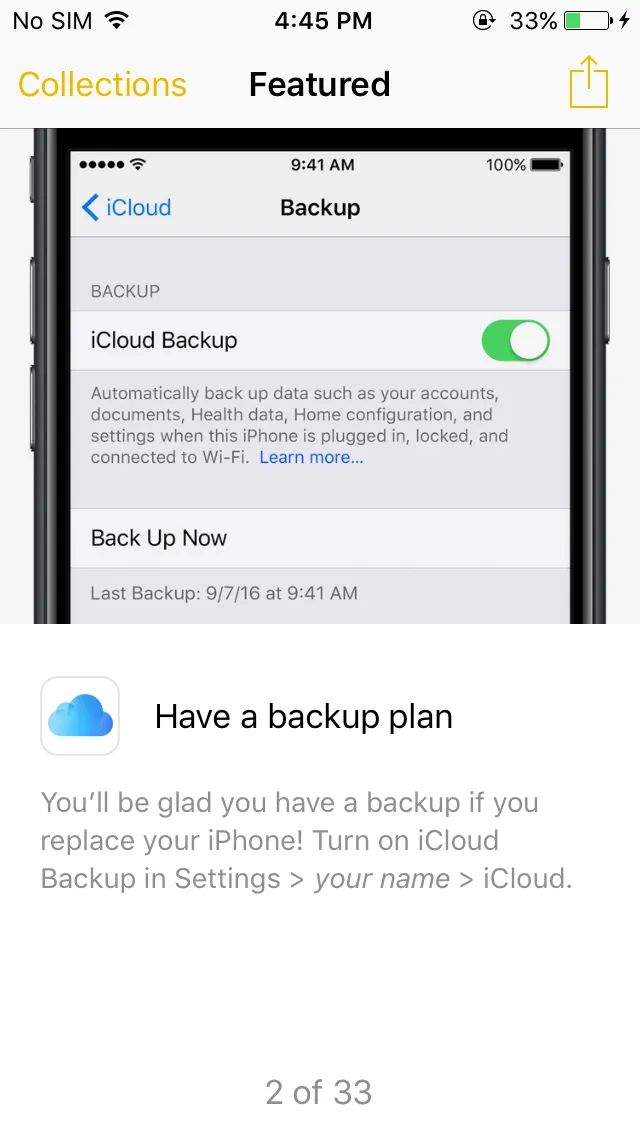
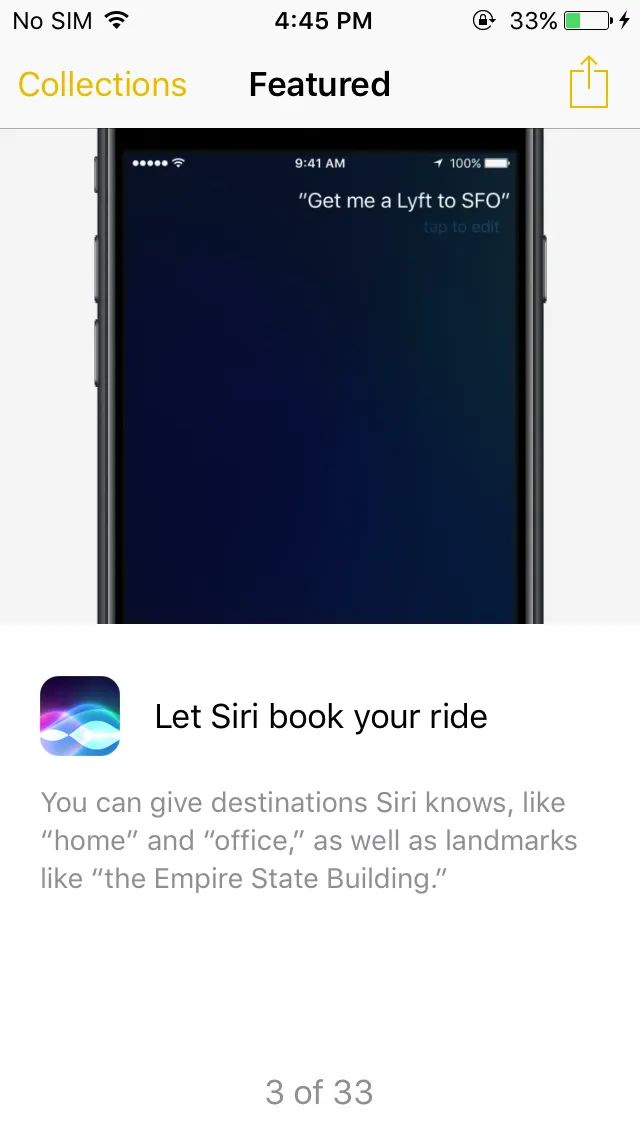
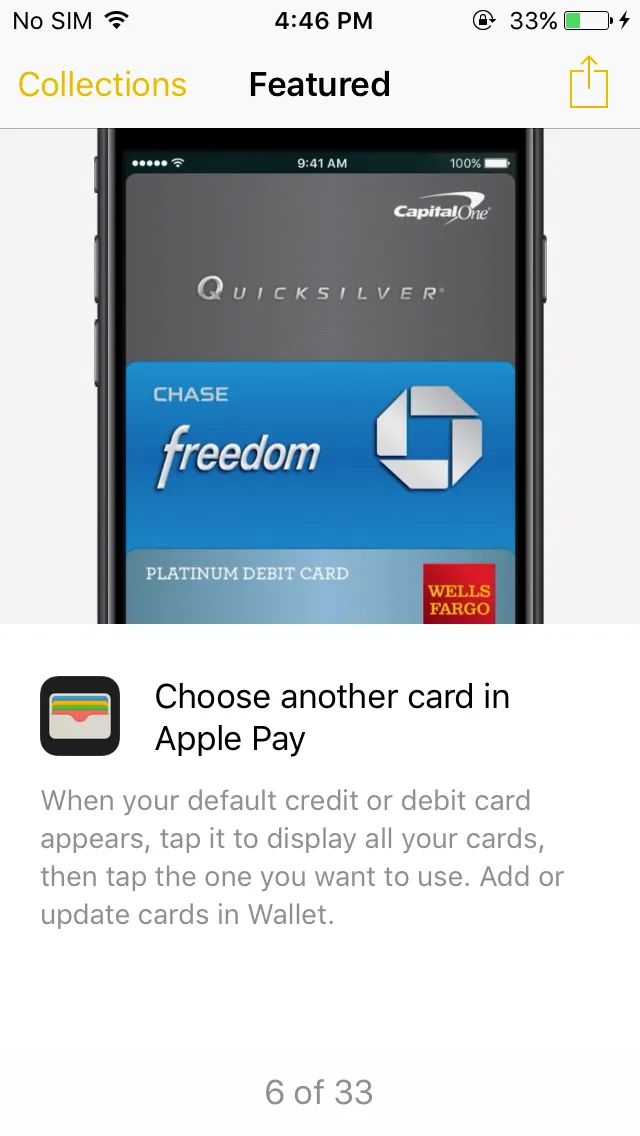
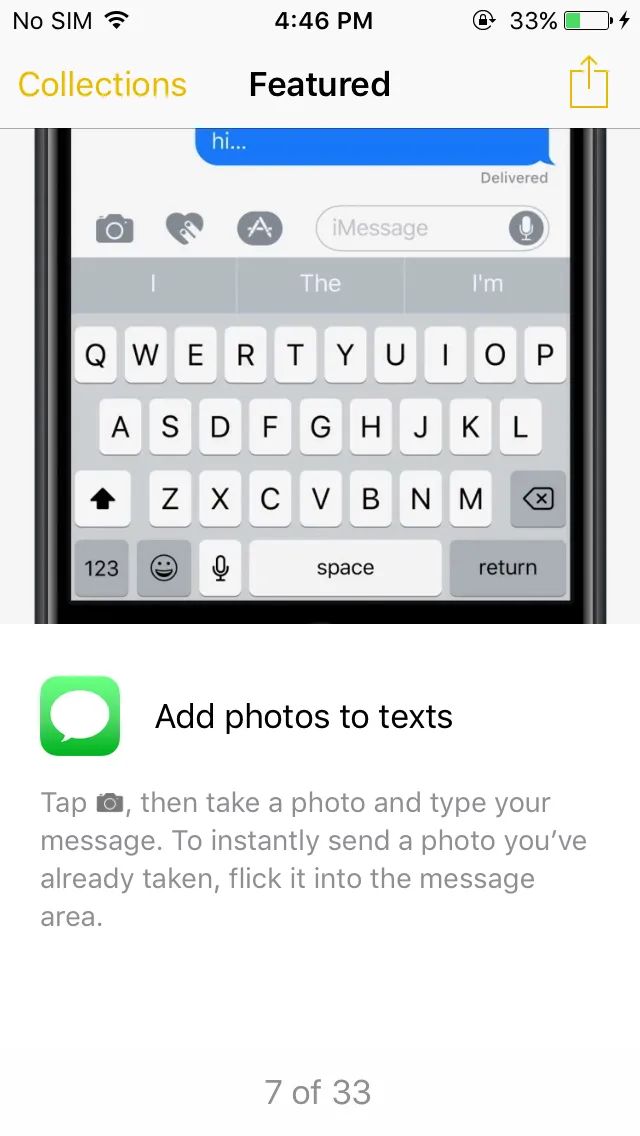
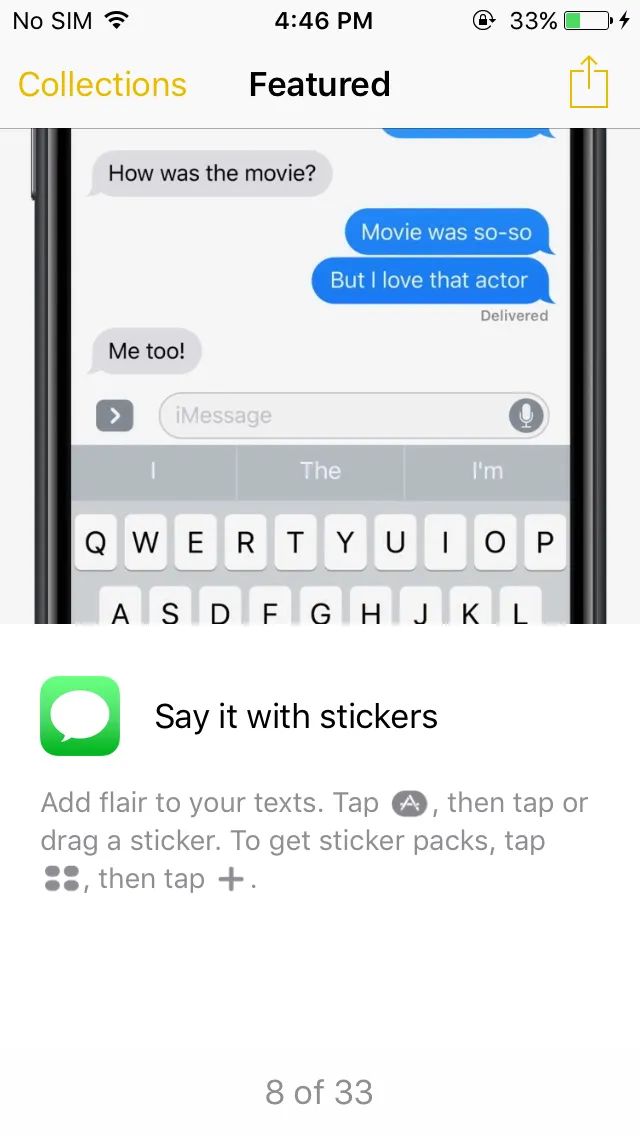
An app that lists features from the new operating system looks cute. It seems to me that Apple still haven’t learned how to explain new things without making you open a browser.
The screenshots were taken in December 2023, and I only just got around to publishing them. I’m not sure whether even more services have stopped working since then. In fact, the situation with apps was much better back in 2021-2022, but now most of them have disappeared.
I didn’t do it completely, but I have almost entirely stopped using these services. Fighting them is a pointless endeavor, so I chose the path of least resistance.
X (Twitter)
𝕏 has been completely destroyed as a social network. This started even before it was acquired, but of course the new owner accelerated the process even more. The company was already moving in the most unpleasant direction-blocking third-party apps and pushing everything into an algorithmic feed. I somehow tolerated it and held on for several years, reading bots, bait, and an endless amount of hatred and stupidity in the algorithmic timeline.
At some point, all my notifications and messages became clogged with spam. Literally every minute I was getting an endless stream of notifications about retweets from bots. You refresh the notifications feed every few seconds, and there are always 20+ items. This happens consistently once every one or two months.
I tried to get along with the regular algorithmic feed. I honestly tried clicking “don’t show this” to tune it to my preferences, but it felt like things only got worse and worse. After updating my phone, I canceled restoring the app from backup, logged out on the web, and removed it from bookmarks so I wouldn’t open it out of habit.
“The men have to jerk off again”. This is roughly the entire level of X’s recommendation system, they even sent a push notification 🤦🏻♂️
I couldn’t delete this nonsense completely, because over so many years I had created accounts in many places via Twitter login. If only we had known back in 2012 what the internet would become.
Just the other day I wanted to read an article on Medium, and the account was tied to Twitter. I logged in, but the article was still blocked by a paywall. It reminded me why I hate the platform and why I deleted the app long ago, though I still had to log into X. I looked at the feed for a few minutes: bait posts, some collective chat with Grok (everyone asking it to generate images), TikToks reposted ten times over. Logged out again.
Instagram
The story with Instagram is very similar, but I’ve disliked it for even longer. I might be mistaken about the exact year, but it was definitely around 2015-2016 when it finally stopped being about photos and subscriptions.
First, all the focus shifted to Stories, and then absolutely artificially to Reels (Instagram promoted them much more aggressively at the start). With these mechanics, everything became so absurd. Most of the regular content has simply moved to Stories. It’s an app where photos and videos are published for 24 hours, and absolutely no one cares that they disappear. At best, someone adds something to highlights, which nobody looks at anyway.
There’s a kind of early-Twitter vibe to it, but a more stupid one. People usually don’t read anything and don’t write anything there; they just swipe.
The regular feed has become something extremely strange. It’s basically flooded with all kinds of recommendations and doesn’t even consistently show posts from the accounts you actually follow, especially if you don’t interact with them often. Meanwhile, it has no hesitation at all about aggressively promoting all sorts of bullshit and “experts” with their courses.
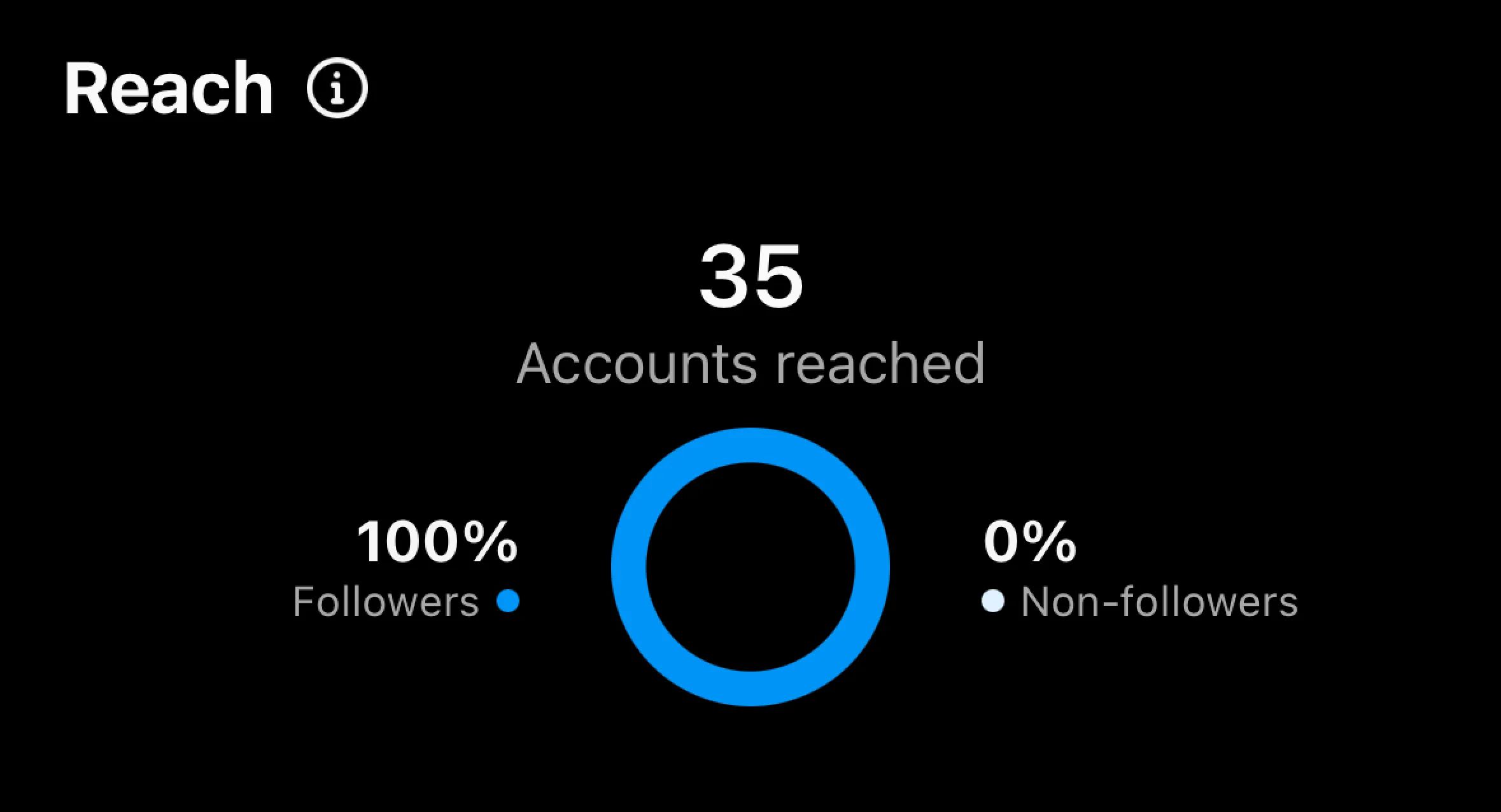
And my “content” wasn’t even seen by my own followers. I’m no longer sure they were even real people. That mattered to me, because I saw this as a source of organic traffic, but nothing worked. For a couple of years, in waves, I tried cleaning followers of bots and ended up deleting more than two thousand followers over that time. Recently, I deleted everyone entirely, along with all my subscriptions. And I have no idea what to do there next; even with an empty account, Instagram doesn’t promote content anywhere. Yeah.
I’m afraid I might be mistaken, but I had something like 400-500 subscribers, and that was 24 hours after the publication.
Otherwise, it’s just a machine gun of endless ads. And that’s one of the reasons I didn’t delete the account entirely: there are ad dashboards there, and a lot of people still use this platform. But I think it’s time to put a stop to this. As an ordinary user, I’ve already noticed that ads are being grouped into blocks of three to five at a time, which means at auction pricing I’m losing money and people aren’t paying attention anyway.
In short, I now open Instagram rarely and don’t see much point in it.
Telegram
That cheerful animated eggplant and peaches that were removed turned out not to be the worst thing Telegram had. Quite the opposite, actually.
The slogans about speed, the best UX, and all that have disappeared somewhere. I’ve been using the app on my phone in power-saving mode for two years now, simply because by default it drains the battery if you have a couple dozen chats and subscriptions. Even with a premium subscription, content often doesn’t load, and the overall app quality has declined. But now we have auctions, very questionable advertising, and various NFTs.
Honestly, I have a feeling that Telegram has also started going in the wrong direction, and it’s doing so quite rapidly.
For now, I deleted Telegram from my computer, because it turned out to be a literal black hole for disk space. Space on my Mac kept disappearing, and when I checked system directories, I found that Telegram was taking up 30 gigabytes. Of course, this wasn’t shown in the app settings and couldn’t be cleared. How and why? No idea.
I just deleted the app from the computer. When necessary, I open the web version. It glitches a bit, but it turned out that overall it’s not that bad.
What remains
I understand that everyone uses these services differently and for different purposes. Some people simply open Instagram to watch short videos, memes, or even use it as a messenger. I find this rather amusing, because even this exact same use case can be replicated one-for-one on X, TikTok, and elsewhere.
And that makes me wonder: what could be an alternative? If a vanilla Twitter or Instagram appeared today, would anyone actually start using it? For some reason, I feel like the answer is no. At this whole media party, the requirements for content have changed: people want fast dopamine.
Unfortunately, most of the platforms I loved ten years ago no longer suit me, including their complete closure to third-party access, but that’s a separate topic I might write about someday.
What I don’t know is whether the TikTok format and feeds aimed at provoking exclusively extreme emotions are already the end point, or whether there is still room for further degradation.
I also remembered a comparison that now sounds almost like a joke: at one point, Twitter felt fundamental, one of the main startups, like the telegraph. Yes, there was a time…
But there is an app that I don’t want to delete yet. It’s good that from the old internet we still have YouTube. I criticize it only because search there has genuinely stopped working (seriously, try scrolling past 20-30 videos in the results). But at least it’s still easy to find real people there, not AI slop.